
Keep gaming comfortable during longer sessions
Simple pause cues and changes in posture can help make extended play sessions easier to manage.
In this article
01Use a natural stopping point02Set up hands and controls03Respond to discomfort04Sources and further readingUse a natural stopping point
Long matches and story missions can make it easy to stay in one position. Pick a cue that fits the game—between rounds, at a save point or during a loading screen—to stand, stretch or change posture. Keep water within reach if that suits your needs. A pause is a comfort break, not a requirement to interrupt play at a particular interval.
Set up hands and controls
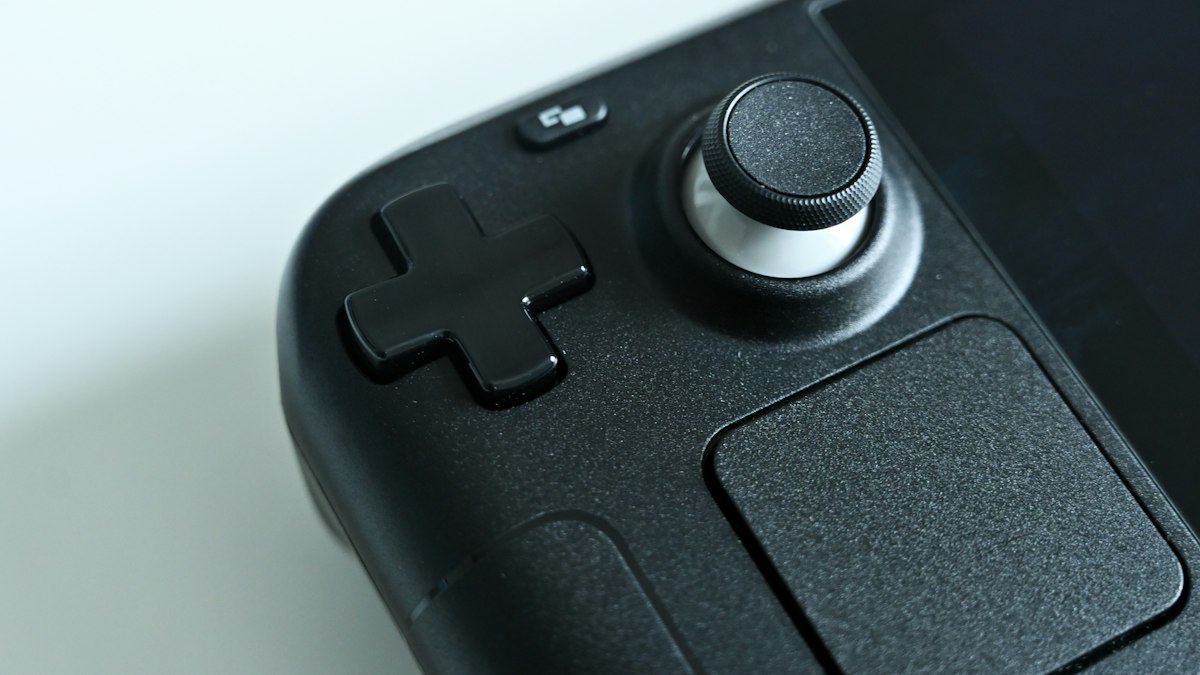
Hold a controller without gripping harder than necessary and keep wrists as relaxed as the controls allow. On a PC, place keyboard and mouse where shoulders are not held high or twisted. Adjust sensitivity, remapping or accessibility settings if a control layout causes strain. Make changes gradually and remember that equipment, game mechanics and individual needs differ.
Respond to discomfort
If your hands, back, eyes or head begin to feel uncomfortable, take a pause and adjust the setup rather than forcing yourself through a session. Persistent or worsening symptoms are not something a gaming guide can evaluate; consult a healthcare professional when appropriate. Accessibility features and alternative input devices may also help make play more comfortable and sustainable.
Sources and further reading
Updated Oct 31, 2026