
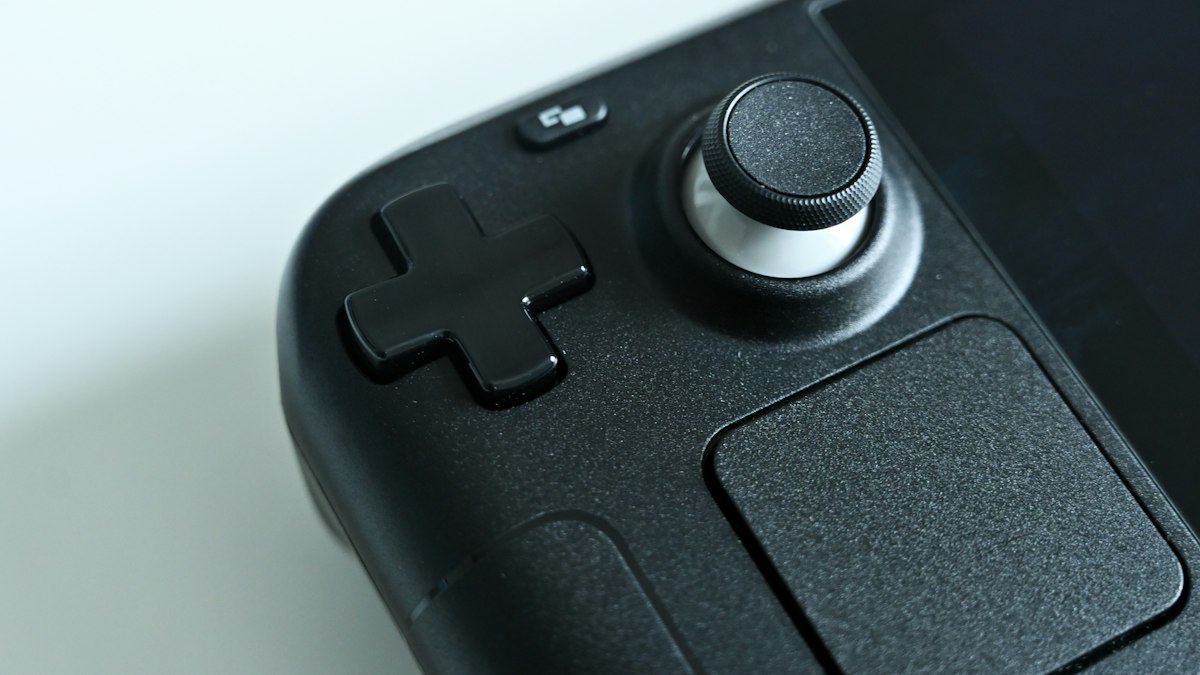
 Gaming
Keep gaming comfortable during longer sessions
Simple pause cues and changes in posture can help make extended play sessions easier to manage.
SaveShowing 10 results for “accessibility”
Gaming
Simple pause cues and changes in posture can help make extended play sessions easier to manage.
Save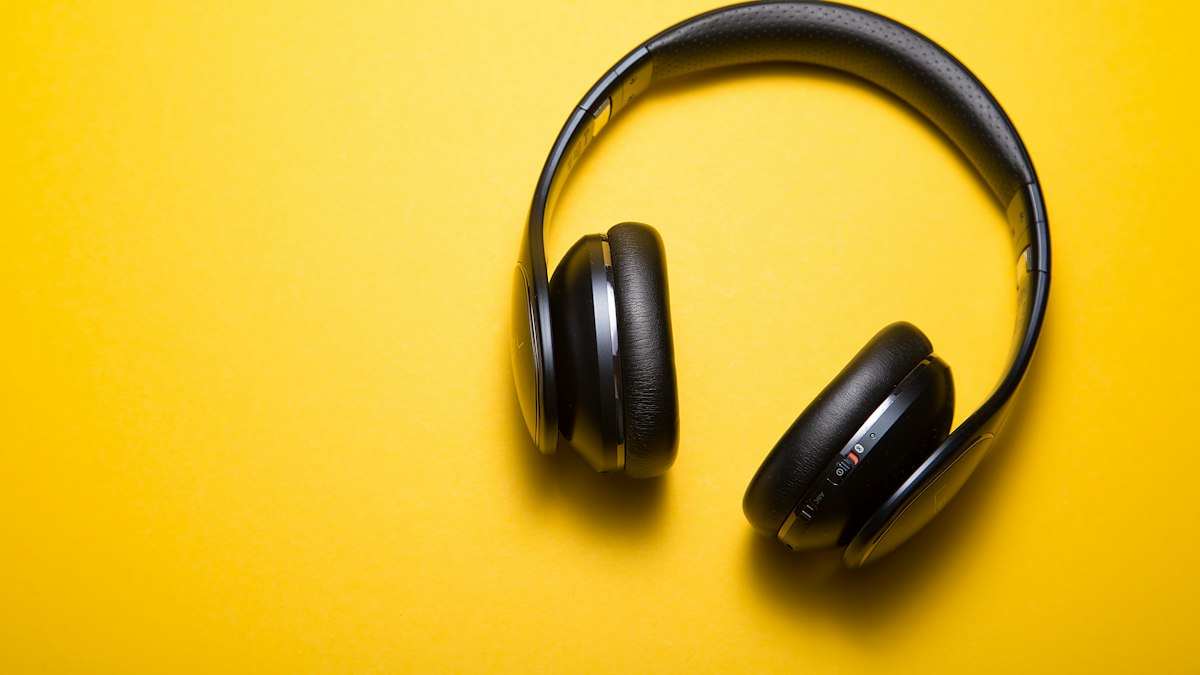 Gadgets
Compare the exact model's update policy, display, battery details, camera system, storage, and repair options—not just its launch features.
SaveGaming
Xbox and Windows offer accessibility options worth checking when text, audio or controls create a barrier.
SaveGaming
The PS5 accessibility menu includes system options that can be useful before you open a game.
SaveGaming
Built-in Windows accessibility options can help with text, vision, hearing and input across supported games and apps.
SaveGaming
Steam's accessibility information and a game's own description can help you check whether key features are present.
Save Technology
Explore screen readers, captions, magnification, voice input, and contrast controls already available on many devices.
SaveGaming
Compare minimum and recommended specifications with your actual PC, then check storage and accessibility needs.
Save